Collaborative Learning: Using Technology to Foster Teamwork and Communication
Collaborative learning is more effective than ever with the right digital tools. Explore the platforms and methods K-12 educators can use to promote teamwork, communication, and critical thinking in the classroom.

Archangel Education & Technology
Newsroom
Collaborative learning is a powerful educational approach where students work together to achieve common goals, solve problems, and create projects. Integrating technology into this approach can significantly enhance its effectiveness, especially for K-12 students who are increasingly familiar with digital tools.
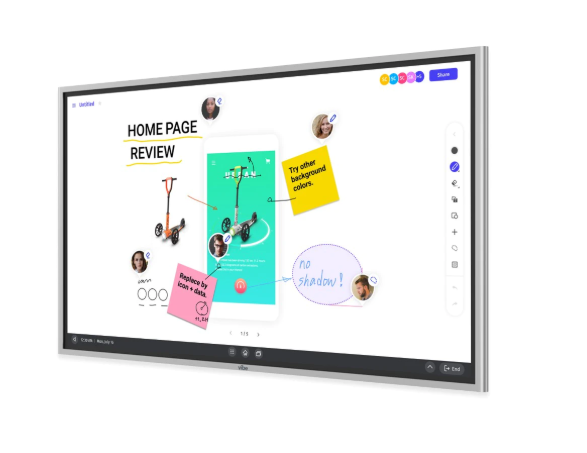
1. Digital Whiteboards
Tools like Google Jamboard and Microsoft Whiteboard allow students to collaborate in real-time by sharing ideas, drawing diagrams, and creating mind maps. These tools are particularly effective for brainstorming sessions and visualizing concepts in subjects like science and social studies.
Example: In a science class, students can use Jamboard to collaborate on a mind map about the water cycle, each adding their thoughts and findings — resulting in a comprehensive, interactive diagram built together.
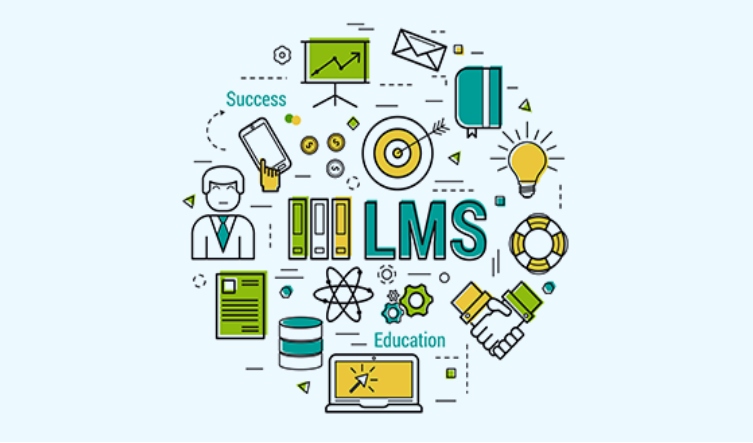
2. Learning Management Systems (LMS)
Platforms like Moodle, Canvas, and Google Classroom provide a centralized space where students can collaborate on assignments, participate in discussion forums, and access shared resources. Features like group assignments, peer reviews, and collaborative projects make it easier for students to work together and stay organized.
Example: In a language arts class, students can work in groups to create a shared presentation on a novel, with each student contributing to different sections and the teacher monitoring progress and providing feedback directly through the platform.
3. Video Conferencing and Collaborative Document Editing
Video conferencing tools like Zoom, Microsoft Teams, and Google Meet facilitate face-to-face interaction during home-learning projects — and allow students to stay connected even when they can't be in class. During a foreign language project, for example, students can perform skits, record the session, and send it to the teacher, eliminating the need to complete every project during class time.
Collaborative document editing tools — Google Docs, Sheets, and Slides — enable multiple students to work on the same document simultaneously. With commenting and version history, students can provide feedback and track changes, fostering an iterative approach to learning. In a geography class, students might build a shared presentation where each person researches a different ecosystem.

4. Collaborative Document Editing
Tools: Google Docs, Sheets, Slides
How it Works: Collaborative document editing tools enable multiple students to work on the same document simultaneously. These tools include features like commenting and version history, which help students provide feedback and track changes, fostering a collaborative and iterative approach to learning.
Example Use Case: In a geography class, students can work together on a shared Google Slide presentation about different ecosystems. Each student can research and add information about a specific ecosystem, while others can review and suggest improvements.

5. Social Media and Online Forums
Tools: Edmodo, Reddit, Private Facebook Groups
How it Works: Social media platforms and online forums can create communities of learners who share resources, discuss ideas, and collaborate on projects outside the classroom environment. These tools provide a space for continuous interaction and support among students.
Example Use Case: A private Facebook group can be set up for a biology class where students post interesting articles, ask questions about homework, and collaborate on group projects by sharing resources and discussing topics in depth.

6. Gamification and Educational Games
Tools: Kahoot!, Quizlet, Classcraft
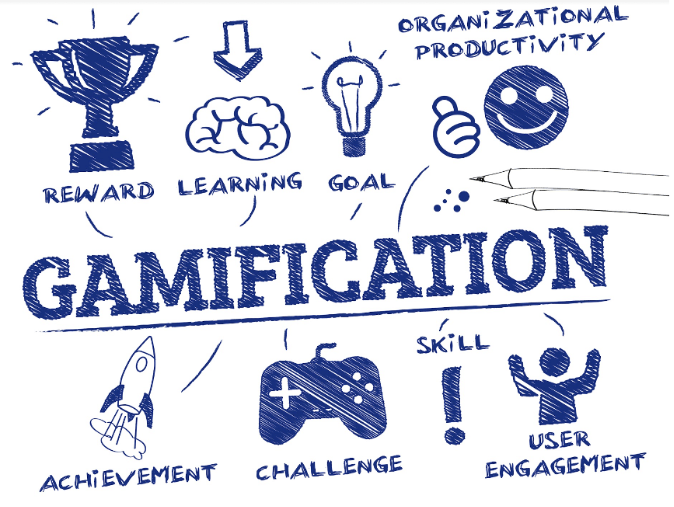
How it Works: Gamified learning platforms promote collaboration through competitive and cooperative games. These tools engage students in learning activities that require teamwork and strategic thinking, making learning fun and interactive.
Example Use Case: In a math class, students can use Kahoot! to participate in a quiz competition. The game can be set up so that students work in teams, discussing and deciding on answers together to score points.
7. Online Collaborative Tools for Specific Subjects
Tools: CoCalc, Jupyter Notebooks (for STEM), Padlet, Popplet (for language arts)
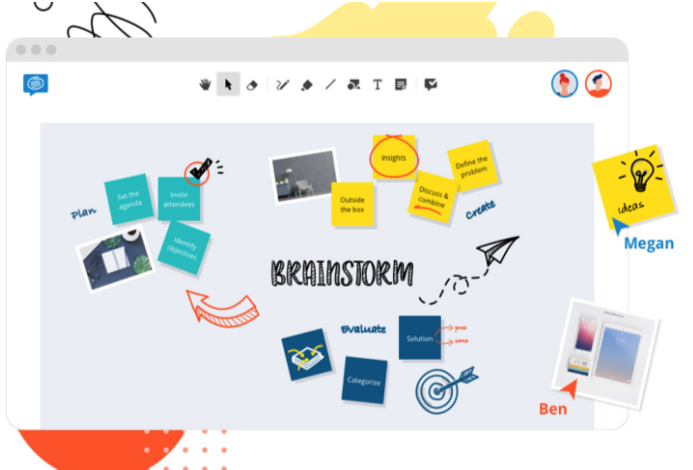
How it Works: Certain subjects benefit from specialized collaborative tools. For instance, CoCalc and Jupyter Notebooks are designed for collaborative work in mathematics and data science, while Padlet and Popplet are excellent for collaborative storytelling and brainstorming in language arts.
Example Use Case: In a coding class, students can use Jupyter Notebooks to collaborate on a programming project, writing and debugging code together in real-time.
8. Augmented Reality (AR) and Virtual Reality (VR)
Tools: Google Expeditions, CoSpaces Edu
How it Works: AR and VR technologies offer immersive collaborative learning experiences. These platforms allow students to explore virtual environments and collaborate on building virtual worlds, enhancing their engagement and understanding of complex concepts.
Example Use Case: In a history class, students can use Google Expeditions to take a virtual tour of ancient Rome, discussing and exploring different historical sites together.

9. Peer Feedback and Assessment Tools
Tools: Peergrade, Turnitin, Quizizz
How it Works: These tools facilitate peer feedback and assessment, encouraging students to engage critically with each other's work. They provide structured environments where students can give and receive constructive feedback, promoting a collaborative learning culture.
Example Use Case: In an English class, students can use Peergrade to review and provide feedback on each other's essays, helping to improve writing skills and critical thinking.
Integrating technology into collaborative learning for K-12 students enhances engagement, interaction, and educational outcomes. By leveraging these digital tools and methods, educators can create dynamic and interactive learning environments that foster teamwork, critical thinking, and problem-solving skills, preparing students for future academic and professional success.

Get in Touch
Ready to transform your technology experience? Our team is here to help.